Drop-Off Day: Sending Your Laptop to Repair Without Sending Your Whole Library
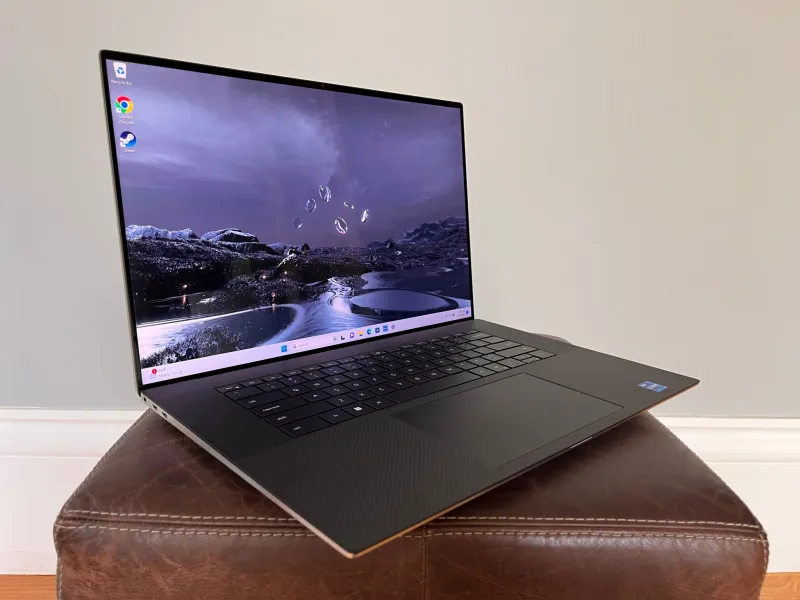
Photo: laptop repair counter with external hard drive and privacy screen, technician hands, neon shop lighting, stock photo, via b2c-contenthub.com
Your laptop fan has been screaming for a week. The hinge is loose. The screen flickers when you tilt it past forty degrees. You have already tried the obvious fixes, and now the machine needs a professional. There is just one problem: the drive inside it contains your adult anime collection, your saved doujin, your carefully organized folders, and maybe a few things you downloaded at 2 a.m. and forgot about.
This is the repair shop problem, and it is more common than anyone likes to admit. In 2026, laptops and external drives are still the primary vaults for American adult anime fans. Sending one out for service means trusting a stranger with hardware that holds a very private library. The stakes are not imaginary. They are practical, social, and occasionally legal.
Before you touch a screwdriver
The first rule is boring and essential: back up before you do anything. If the drive is failing, a backup can save your collection. If the repair goes wrong, a backup can save your sanity. Use an encrypted external drive or a trusted cloud service, and verify that the backup actually restored before you erase anything. Do not rely on a single copy.
The second rule is to separate the problem from the data. If the issue is a dead battery, a broken keyboard, or a cracked screen, you may be able to remove the drive entirely and hand over only the hardware. Many modern laptops make this difficult, but some still allow it. If you can pull the SSD and keep it at home, do that. A repair tech cannot browse a drive that is not in the machine.
Encryption is the baseline, not a magic trick
If you cannot remove the drive, encrypt it. BitLocker on Windows, FileVault on macOS, and VeraCrypt on external drives are all reasonable options. Encryption does not make your files invisible to a determined technician with your password, but it does prevent casual browsing, accidental discovery, and the kind of snooping that happens when a machine sits on a bench for three days.
The catch is that repair often requires access. A tech may need to boot the machine, run diagnostics, or reinstall the operating system. That means you may have to provide a password or a recovery key. Do not write it on a sticky note taped to the lid. Use a sealed envelope, a temporary password you change afterward, or a repair-specific account with limited access.
The guest account maneuver
If you are handing over a working machine, create a temporary local account for the repair. Give it administrator rights if the tech needs them, but keep your personal profile separate and password-protected. Move anything sensitive out of shared folders, clear your browser history if you care, and log out of synced accounts that could expose cloud storage. This is not about hiding evidence. It is about reducing the surface area of your private life.
On macOS, you can also use a firmware password to prevent booting from external media, but make sure you understand the recovery process before you enable it. On Windows, check whether your drive is encrypted and whether your recovery key is backed up to your Microsoft account. The goal is control, not theater.
What repair techs actually see
Repair technicians are not a monolith. Some are professionals who have seen everything and care only about getting the machine back to spec. Some are curious. Some are bored. Some work in big-box stores with strict privacy policies; some work in independent shops where the owner is also the person who opens your files. Most do not want to be exposed to your adult collection, and most will not go looking for it. But most is not all.
The war stories are predictable. A tech opens a folder labeled Do Not Open and opens it. A machine comes in with a slideshow set as the desktop background. A customer forgets to log out of a cloud account and the photo stream syncs mid-repair. None of these are catastrophic in the abstract, but they are the kind of moments that make people avoid the repair shop for years.
The counter conversation
At drop-off, keep it simple. State the problem, not the contents. You do not need to explain what is on the drive, and the tech does not need to know. Ask whether the repair requires data access, whether the shop has a privacy policy, and whether you can pick up the machine the same day. If you are uncomfortable, ask for a depot repair or a mail-in service with a written data-handling policy. You can also ask to watch the intake process, though not every shop allows it.
Do not lie about the drive. Do not say it is empty if it is not. Do not pretend you forgot the password if you did not. A good shop will work with you; a bad one will use the confusion against you. The etiquette is the same as any other sensitive service: be clear, be calm, and do not overshare.
The checklist
Back up first. Encrypt the drive. Remove it if you can. Create a temporary account. Log out of cloud services. Ask about data access and privacy policies. Change your passwords after pickup. And if the repair is optional, consider whether you can live with the flicker for another month.
The repair shop is not the enemy. It is just a room full of strangers and your private library. A little preparation goes a long way toward making sure the only thing they fix is the hardware.